
Getting Started with Swiffle Grid FREE
Welcome to this tutorial. Let’s see how to build a page quickly and easily with Swiffle Grid Free.
Step 1 — Install the plugin
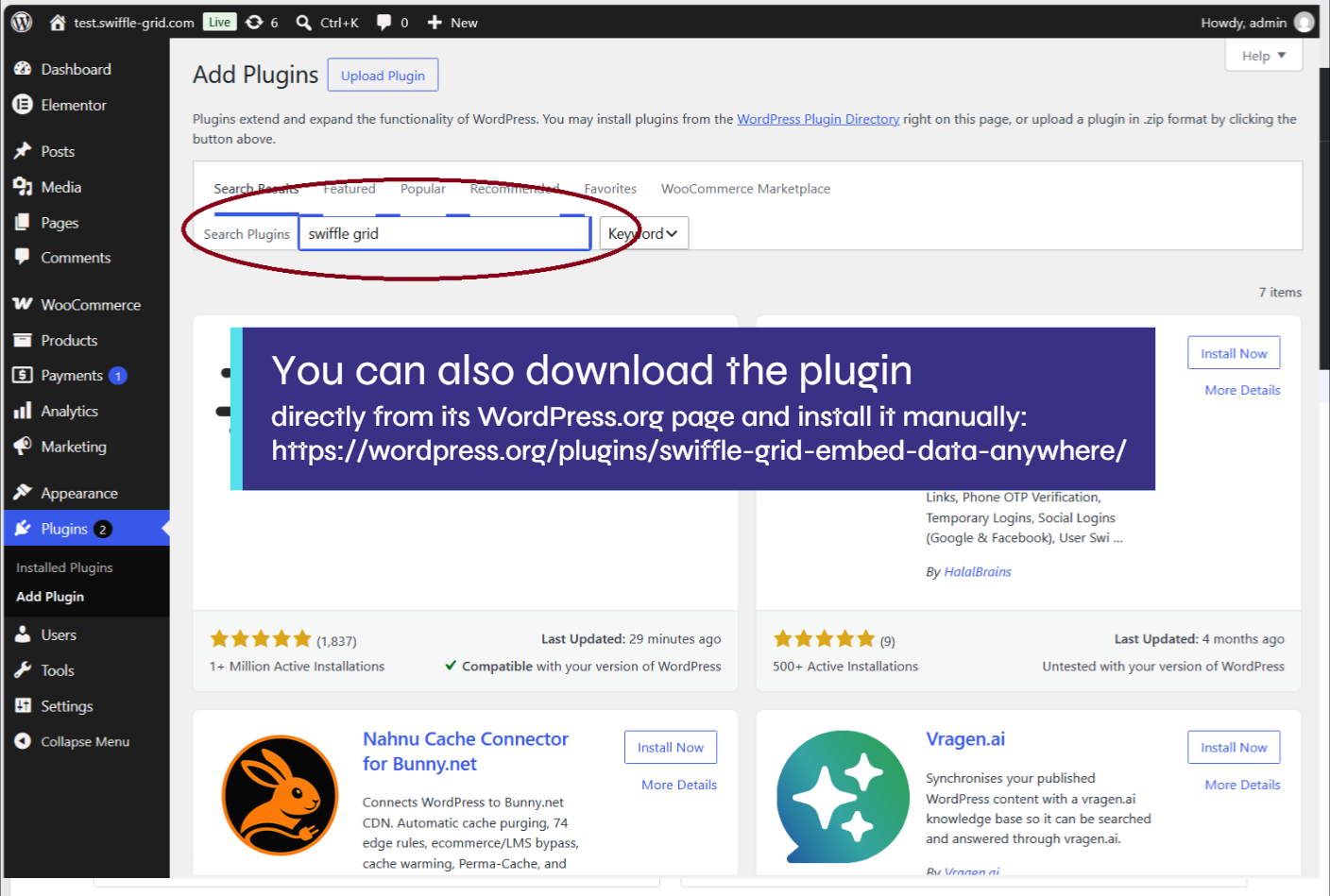
Start by installing the Swiffle Grid plugin from WordPress.org. Simply go to Plugins → Add New and search for Swiffle Grid.
Step 2 — Create your first grid
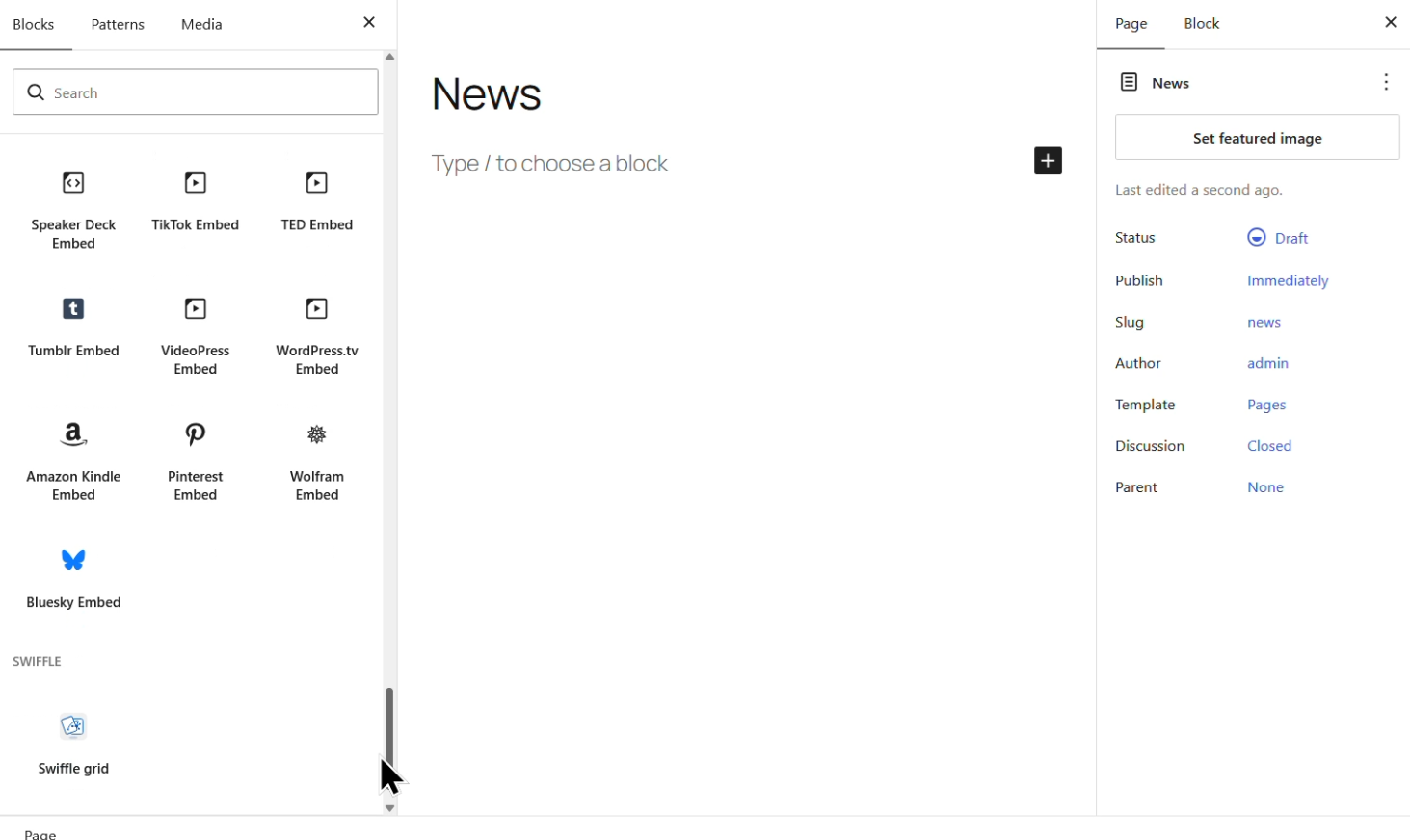
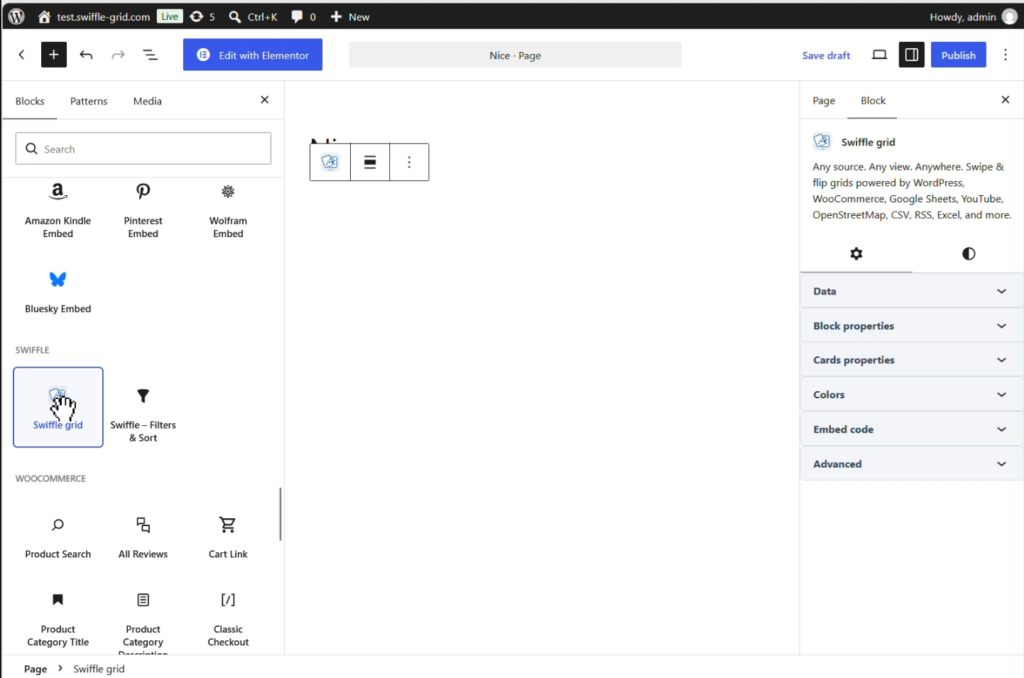
Once the plugin is installed, you’re ready to get started. Create a new page, give it a title, and drag a Swiffle Grid block into it.
Step 3 — Select the RSS source
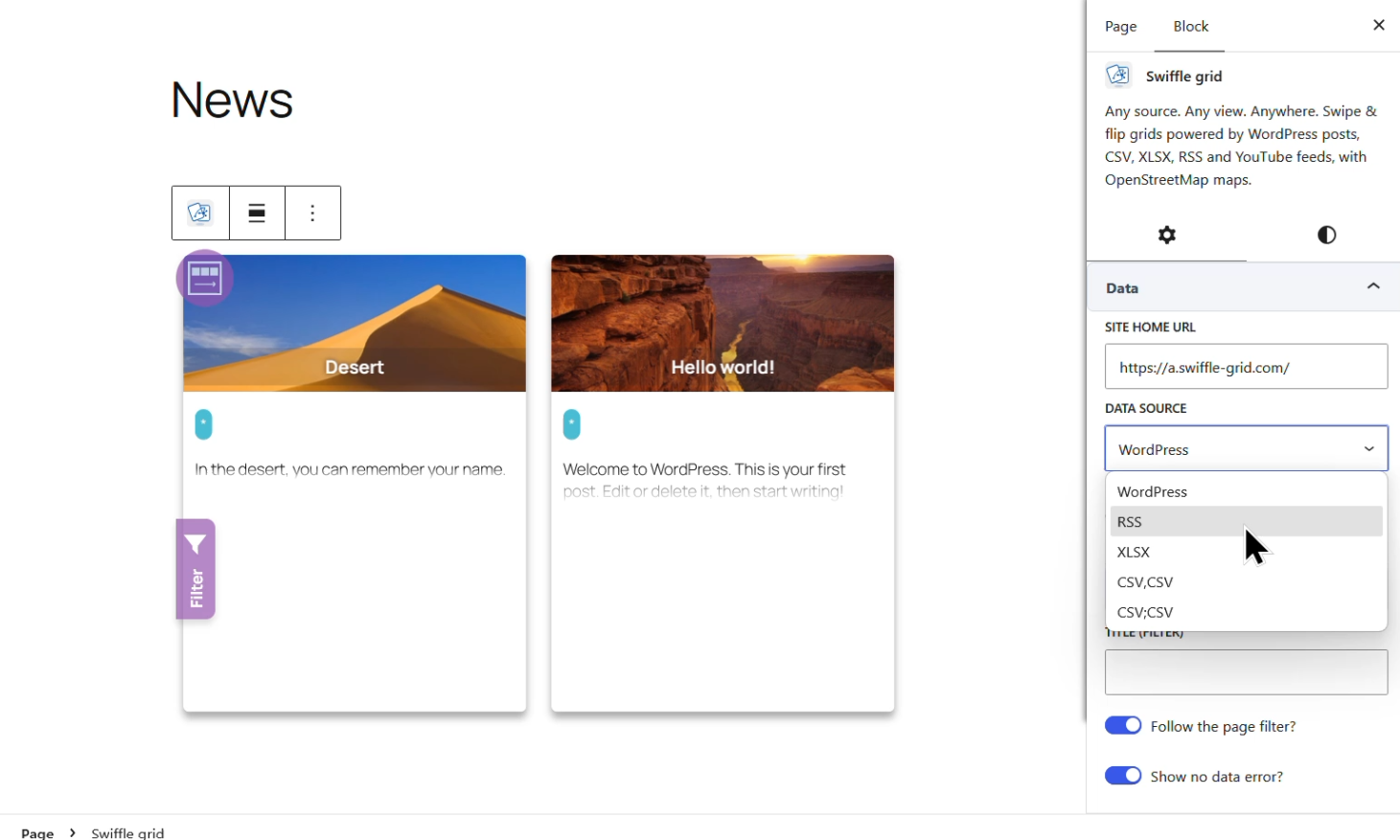
By default, every Swiffle Grid block shows your WordPress posts out of the box.
From the sidebar, you can select a different source, like RSS and enter the new york time rss: https://rss.nytimes.com/services/xml/rss/nyt/World.xml.
Step 4 — Your NEWS page is ready!

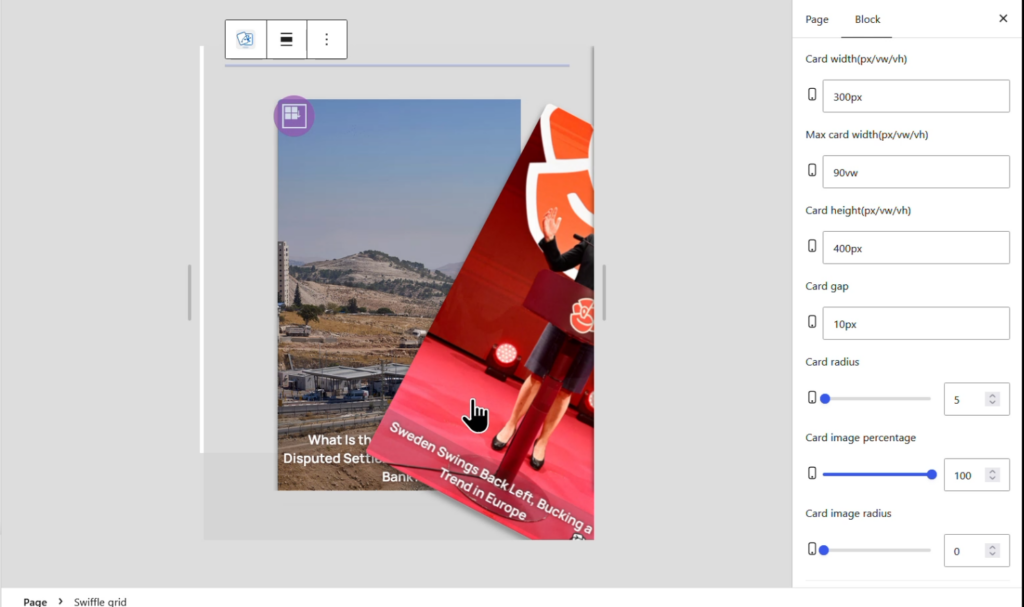
Swiffle Grid provides multiple data sources. Check out the dedicated videos to explore each one.
Thanks for reading. Check out our channel for more tutorials to help you succeed.